Skip to content



Carbon Hammer
posted by Raul on Sunday, February 1, 2026
carboncreativedeephammer
carboncreativedeephammer
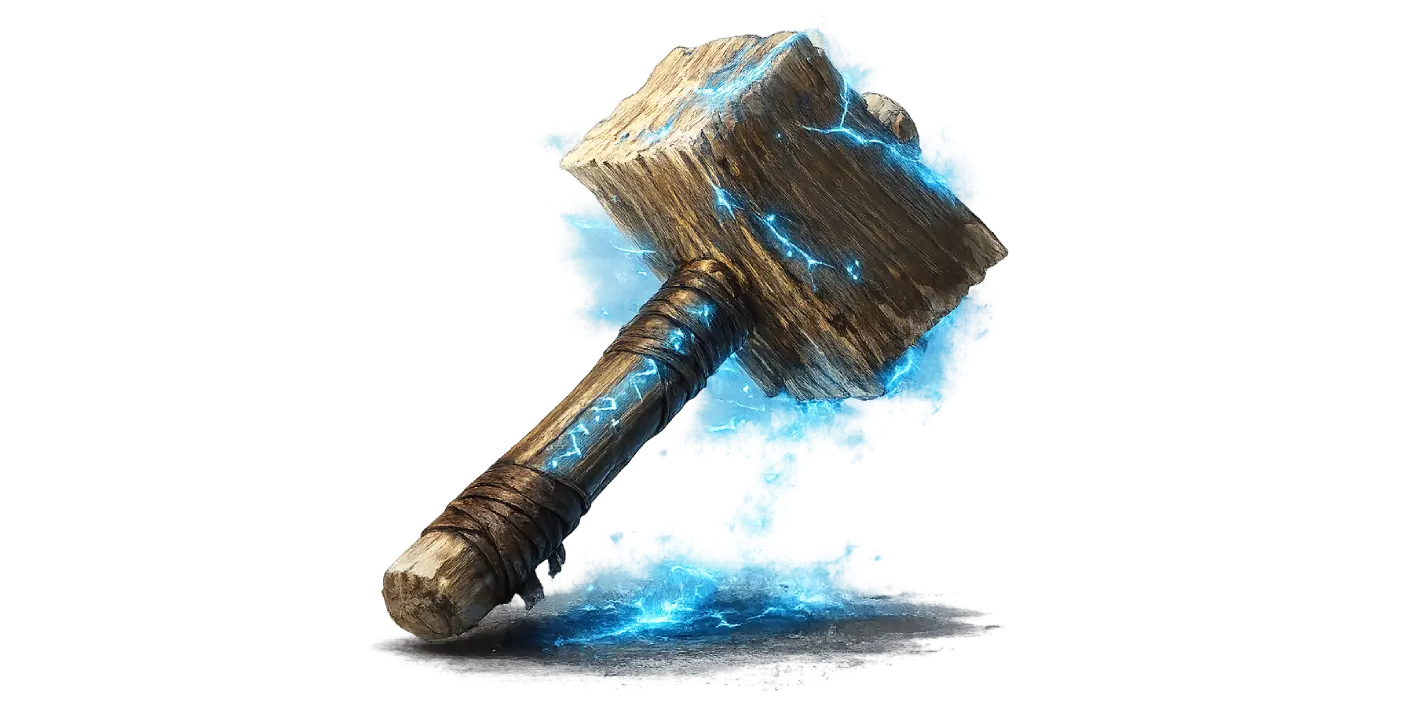
Expanding on Rust's built-in Creative Mode with the brand new Carbon Hammer.
Introduction
With an effort to fill in some of the "gaps" of the current Rust creative mode, the Hammer tool will now be a whole lot more useful for your day-to-day life on PvE and/or PvP-type servers.
Image credit: files.facepunch.com
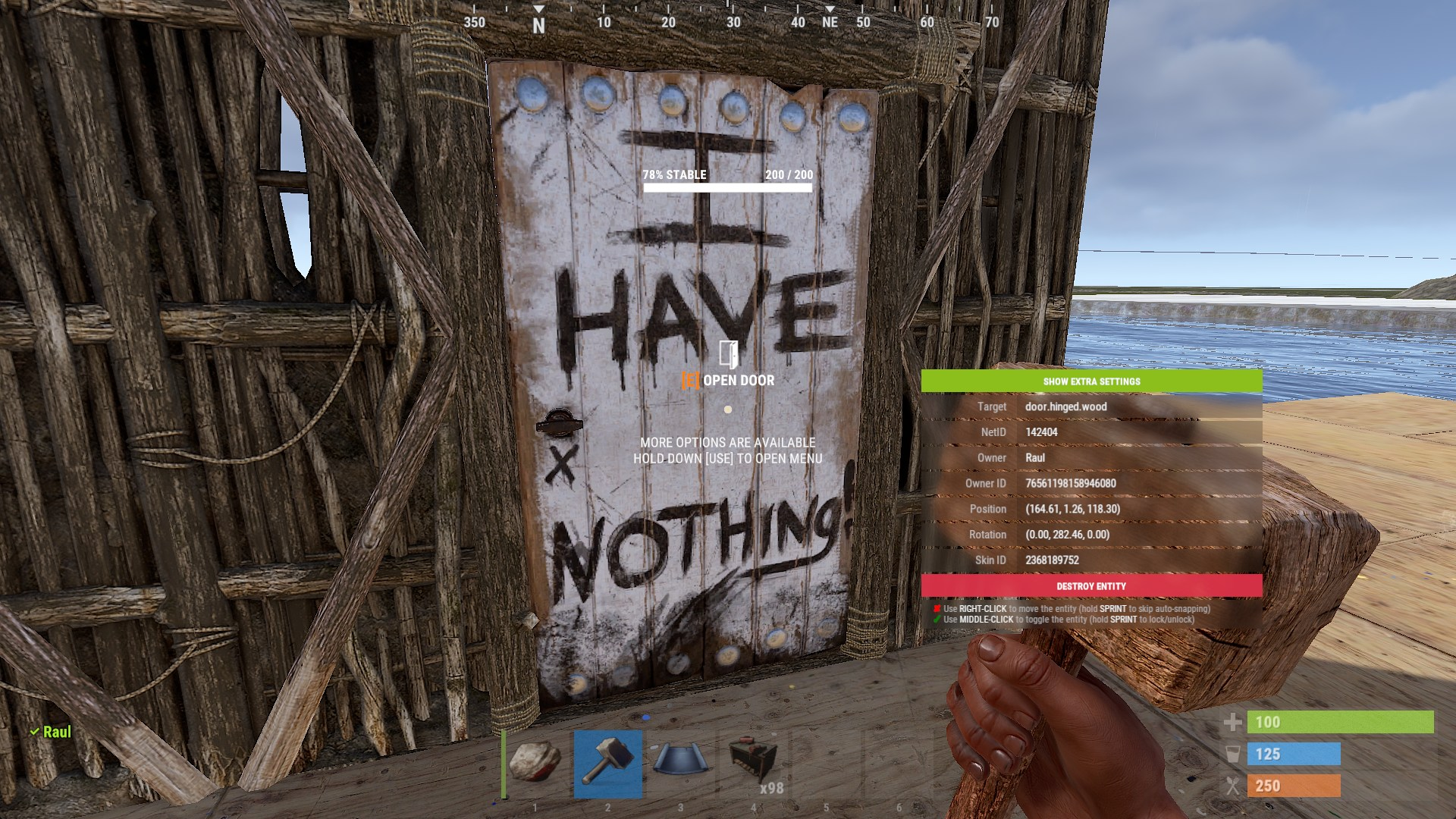
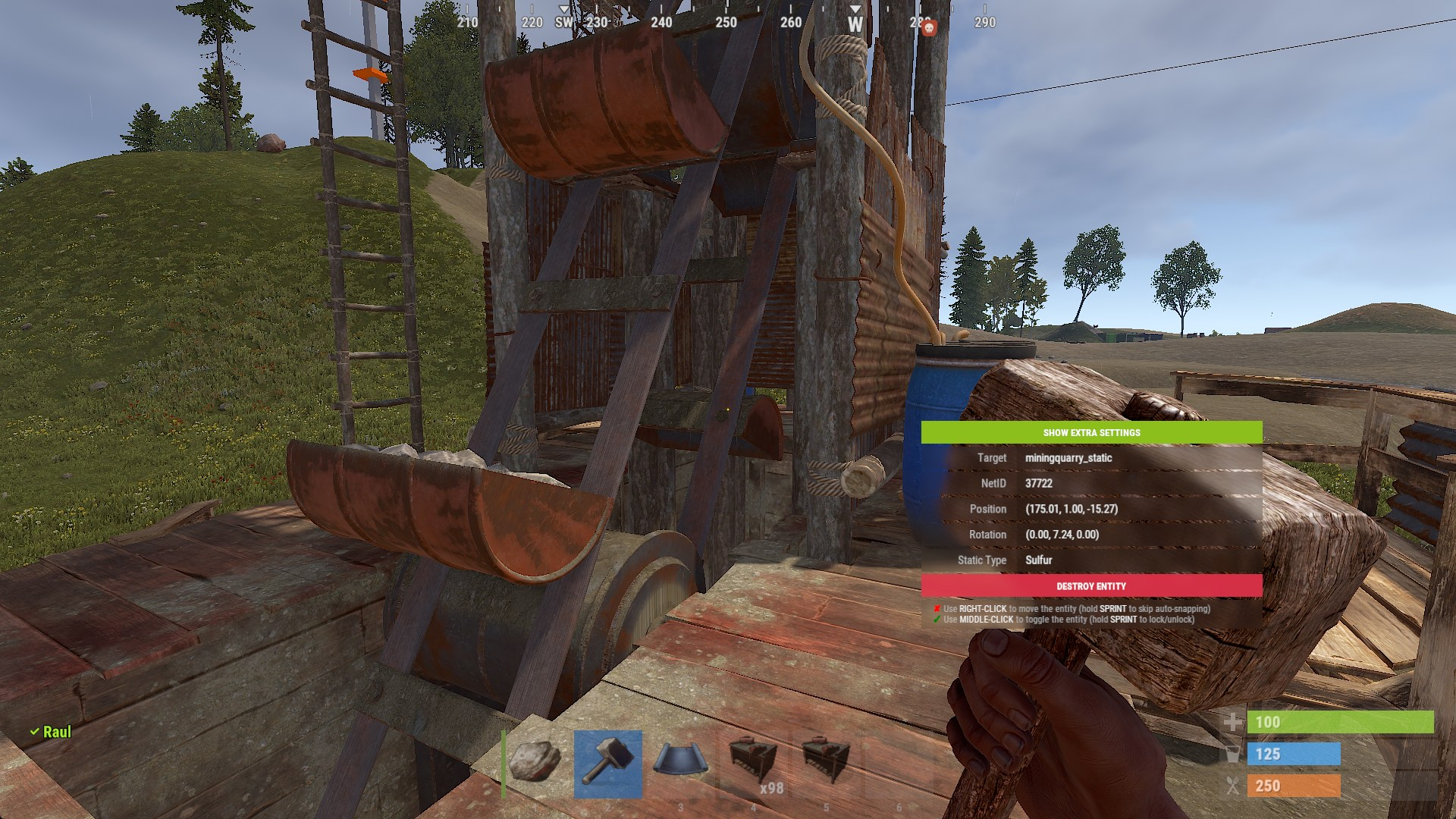
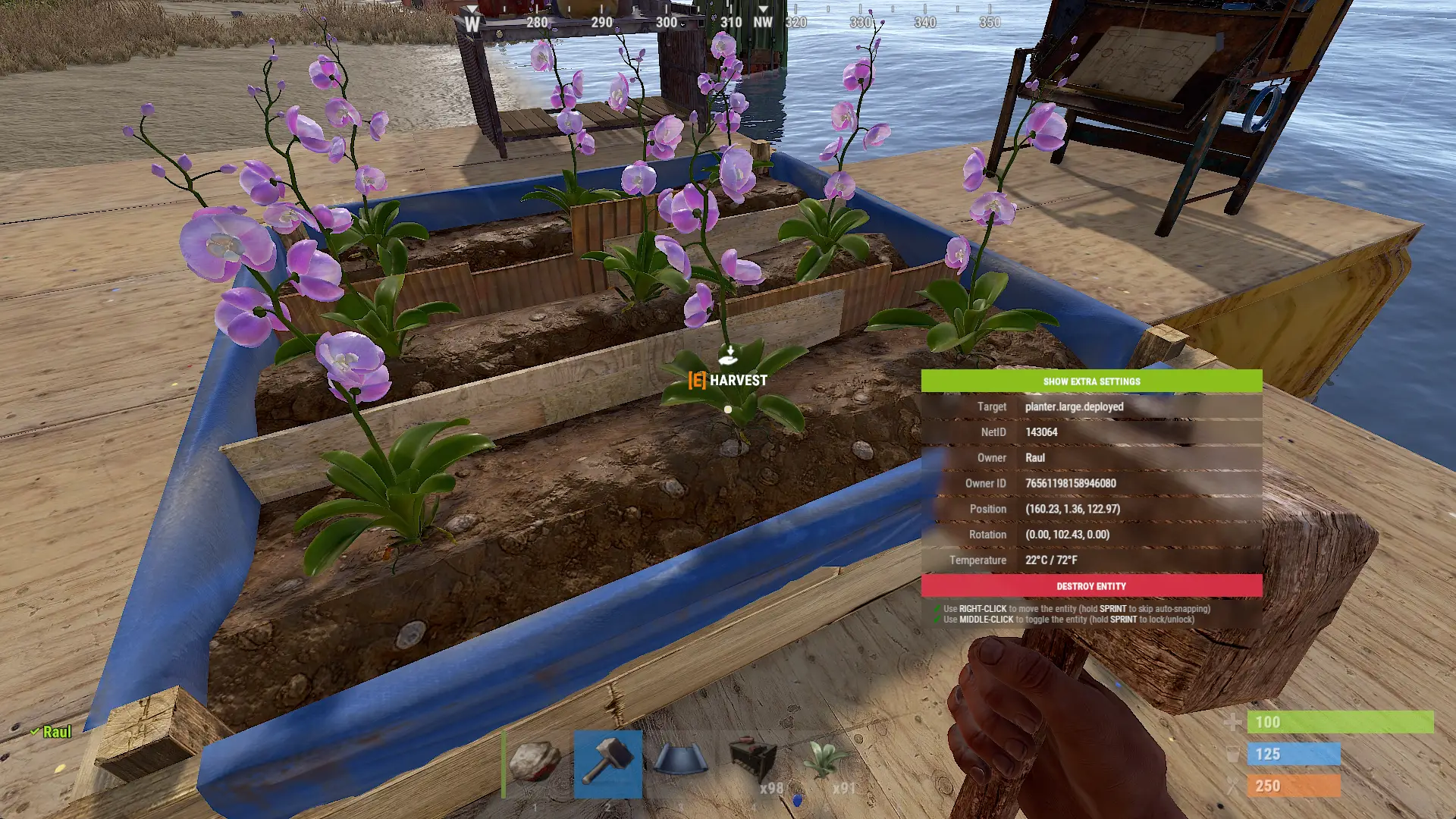
Image credit: files.facepunch.com
Features
Depending on what you're looking at, the Hammer UI contains relevant information of the entity based on its type. 


Here's a run-through of what information you can see for specific entities:
Information
- Most entities: Toggling with Middle Mouse will switch the entity flag between On/Off and Open/Closed respectively.
- Toggling while holding [SHIFT] switches between locked/unlocked.
- Sleeping bag: Shows person who's been Assigned To it
- Quarry/Pumpjack: Shows the resource static type it produces.
- Toggling will iterate through all static types and update it in real time.
- Doors: Shows the code and guest code number if there's a lock on it (when Show Extra is enabled).
- IO Entity: Shows the current energy processed by the entity.
- Planter Boxes: Shows the temperature of the growable plants in it in Celsius and Fahrenheit.
- Modular Cars: Shows the code if there's a lock on it (when Show Extra is enabled).
- Vending Machine: Toggling will flip the vending machine.
- Quarry Engine Switch: Toggling turn the quarry switch on/off.
- Building Blocks: Blocks that can be rotated will rotate upon toggling.
- Enabling Extra Settings on the UI, will allow you to destroy an entire building.
- Hitting a building block with the hammer, will repair all entities inside of the building.
- Deselect the Hammer slot to cancel both batched building destruction or the repairing process.
Movement
Player Configuration
Interacts
UI Repositioning
Image credit: files.facepunch.com
How To Use
By default, you need to have Creative Mode enabled on your player, you can do so using togglecreativemodeuser myname 1.
To activate the UI, you must hold a Hammer or Garry's Mod Tool. To use the Hammer UI without having Creative Mode enabled, players with moderator and/or admins can run hammer creativebypass 1 to bypass that behaviour. To use the UI without holding a hammer altogether, you can run hammer hammerbypass 1.
Source
Here's the entire source code: HammerModule
Join us!
Feel free to join us on our official Discord server if you have any other questions!